ChatGPT
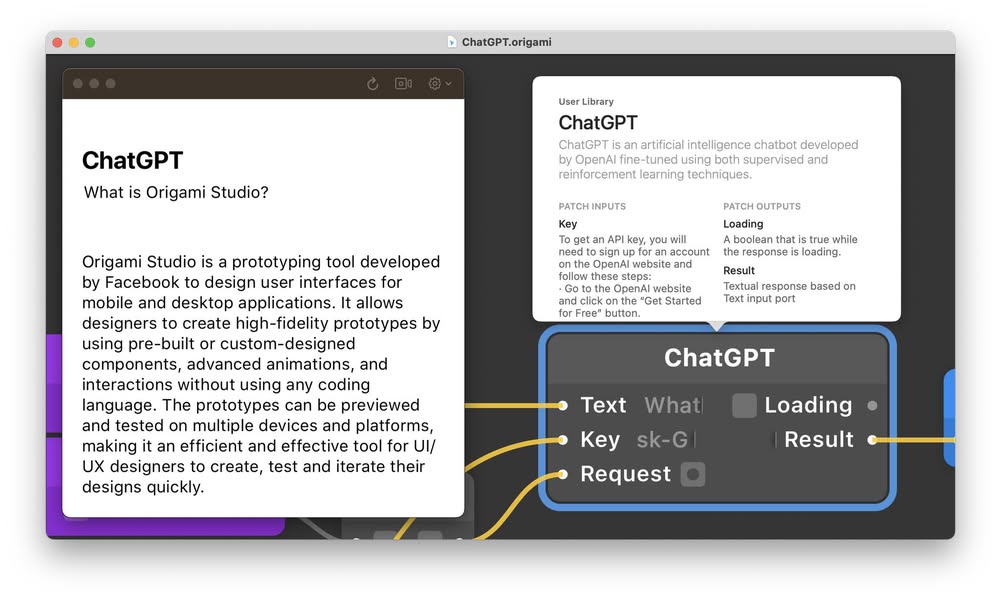
Ask a question in Origami and use the ChatGPT response in a prototype.
View on FacebookThe interactive design and prototyping tool owned by Meta, used by OpenAI, Apple, Airbnb and LoveFrom to design, animate and prototype, all in one place, with real data and logic.
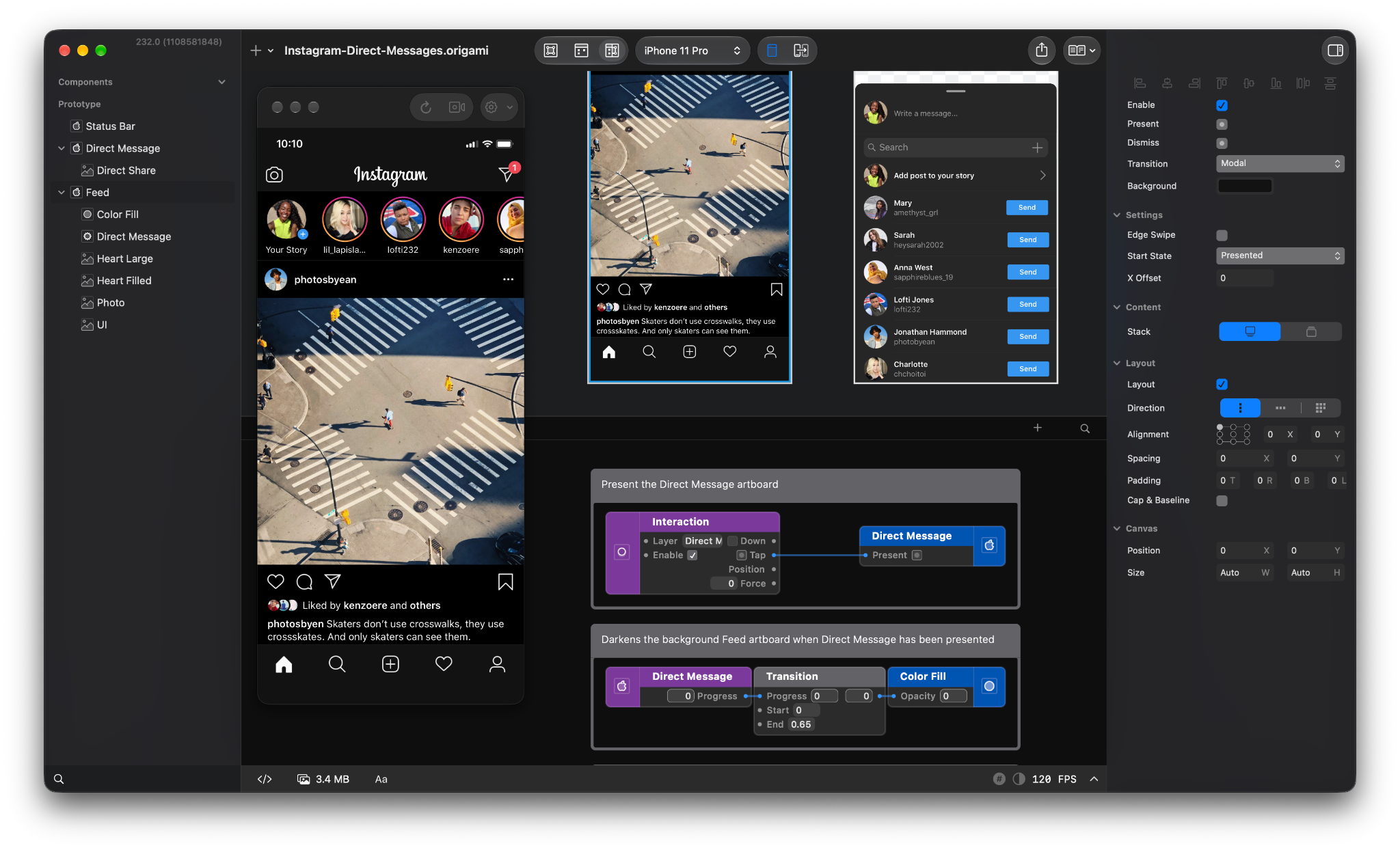
Origami Studio is how designers across the industry build high-fidelity, interactive prototypes, using real data, motion and logic without writing production code. Free to designers everywhere since 2016.
As a design technologist on the team, I help build the tool itself: the Canvas, the Patch Editor, the patches that reach into device hardware, and the workflows that get an idea from a blank file to a shippable, feelable prototype.
I spent half my time at Meta on the Origami team, building the tool itself. I spent the other half as Meta’s main prototyper, creating interactive prototypes for products and features across the company.

The assistant built with Llama 3: one AI across Facebook, Instagram, WhatsApp and Messenger.

Generative imagery that places you inside the picture.

Rethinking how communities gather and grow on Facebook.
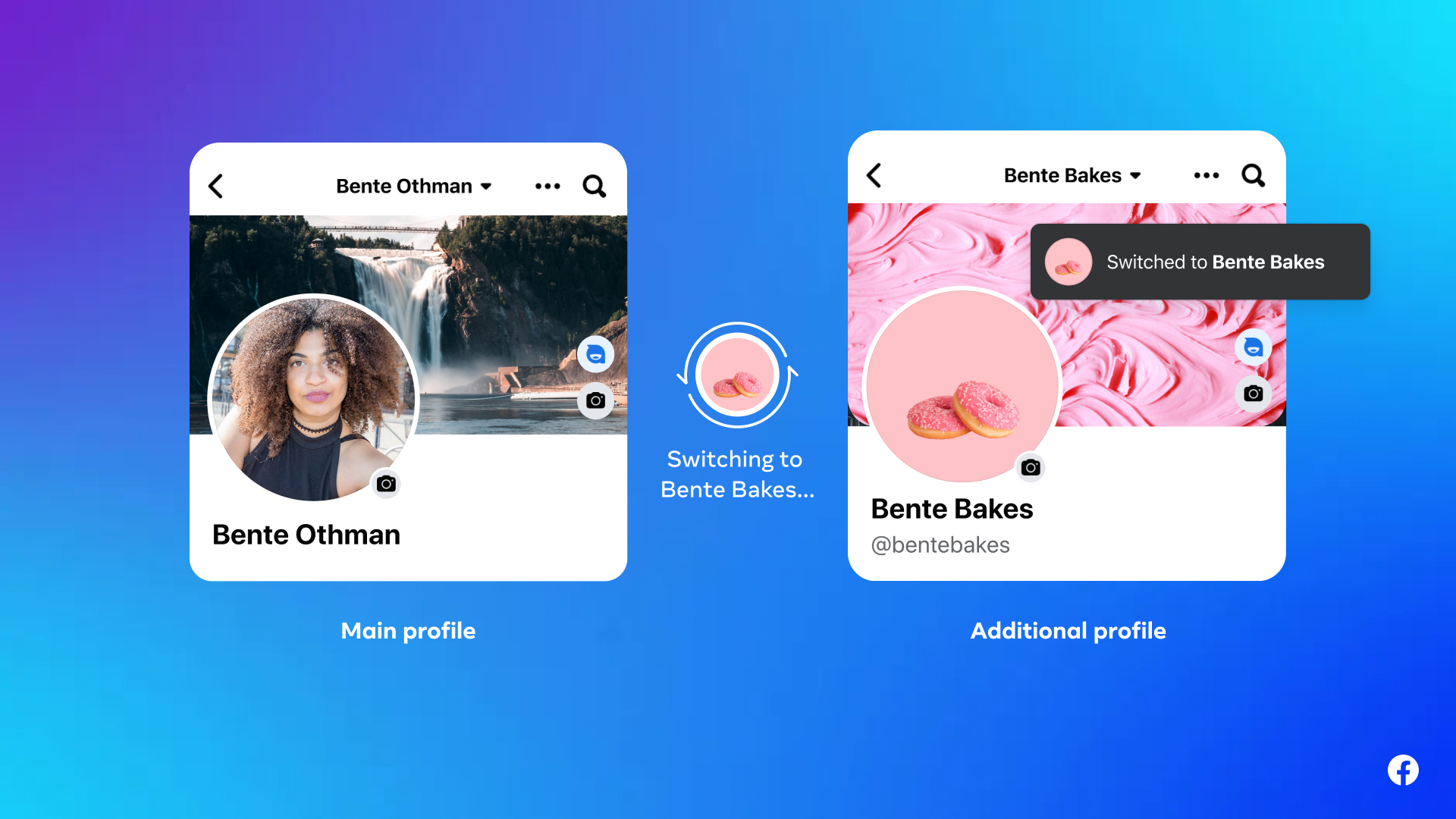
Multiple personal profiles, separate spaces, each with its own Feed.
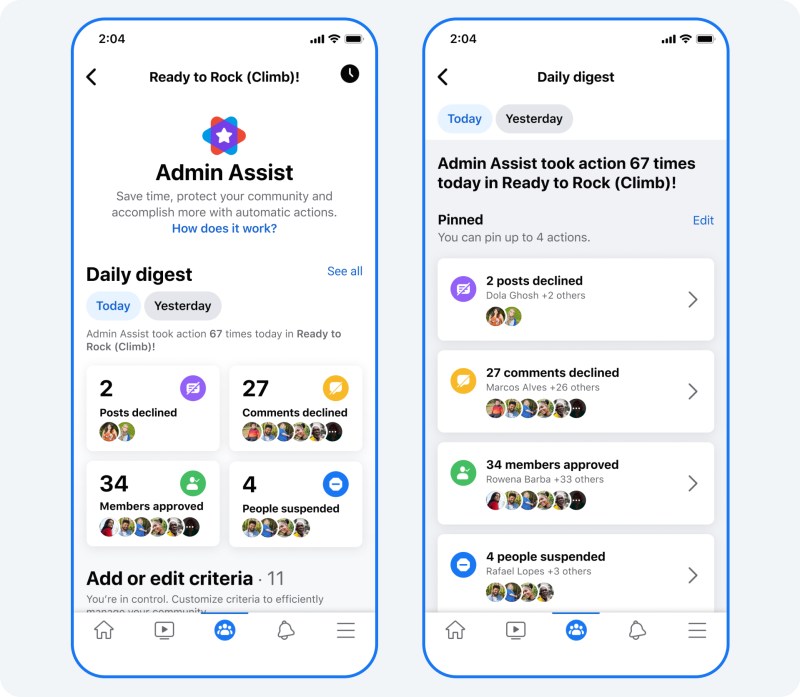
Automated moderation tools that help group admins manage at scale.

Rethinking the Facebook experience for a younger generation.

One unified fullscreen player for Reels, longer videos and Live.

A dedicated home for trusted journalism inside Facebook.

A ground-up visual refresh of the core Facebook experience.
Patches that unlock native APIs, so a prototype behaves like the real thing on device.

Pull in images straight from the device Camera Roll.

Drive visualizations from live or recorded audio.

Reach the haptic engine for real, physical response.

Position maps from the device's current location.

Read accelerometer and gyroscope in real time.
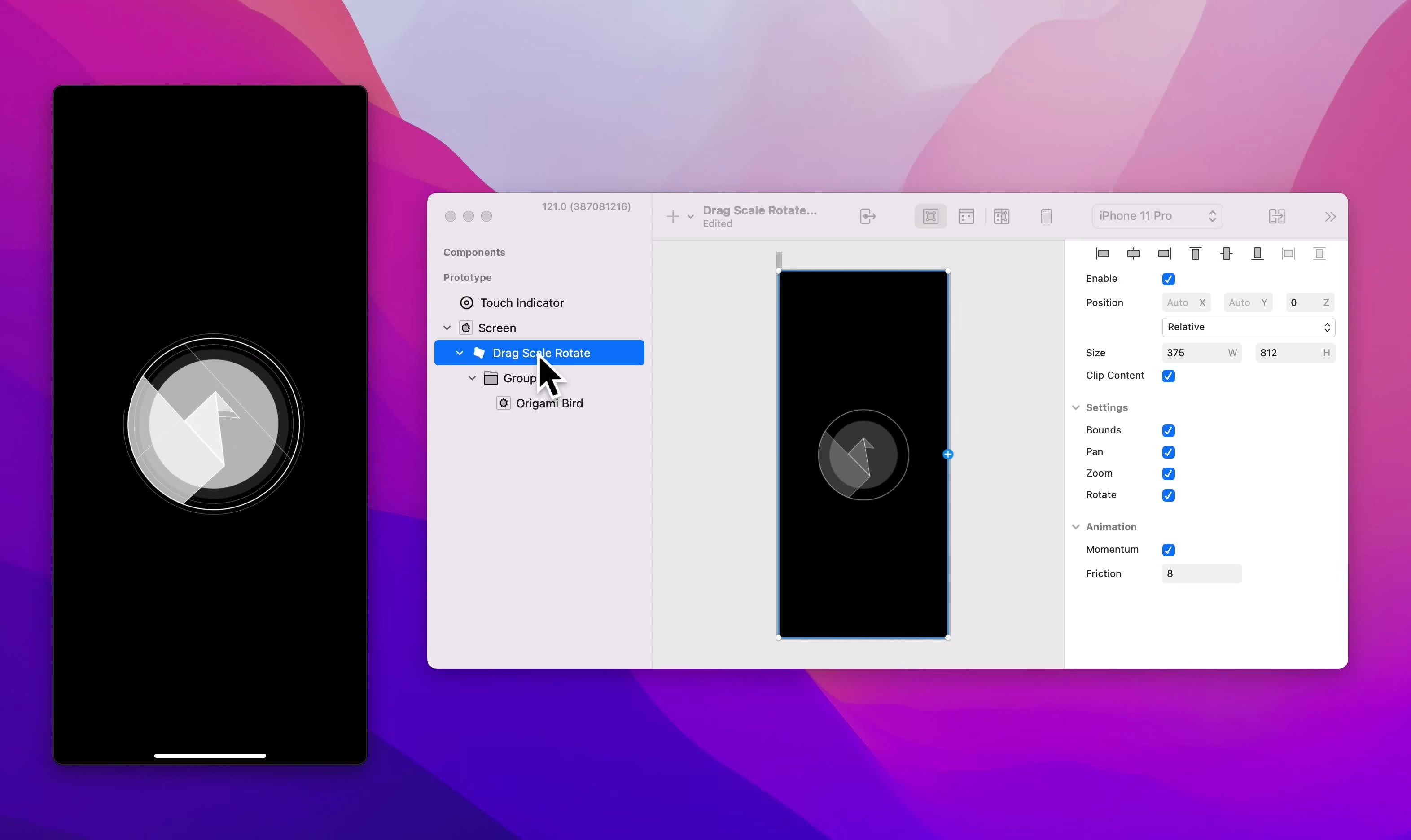
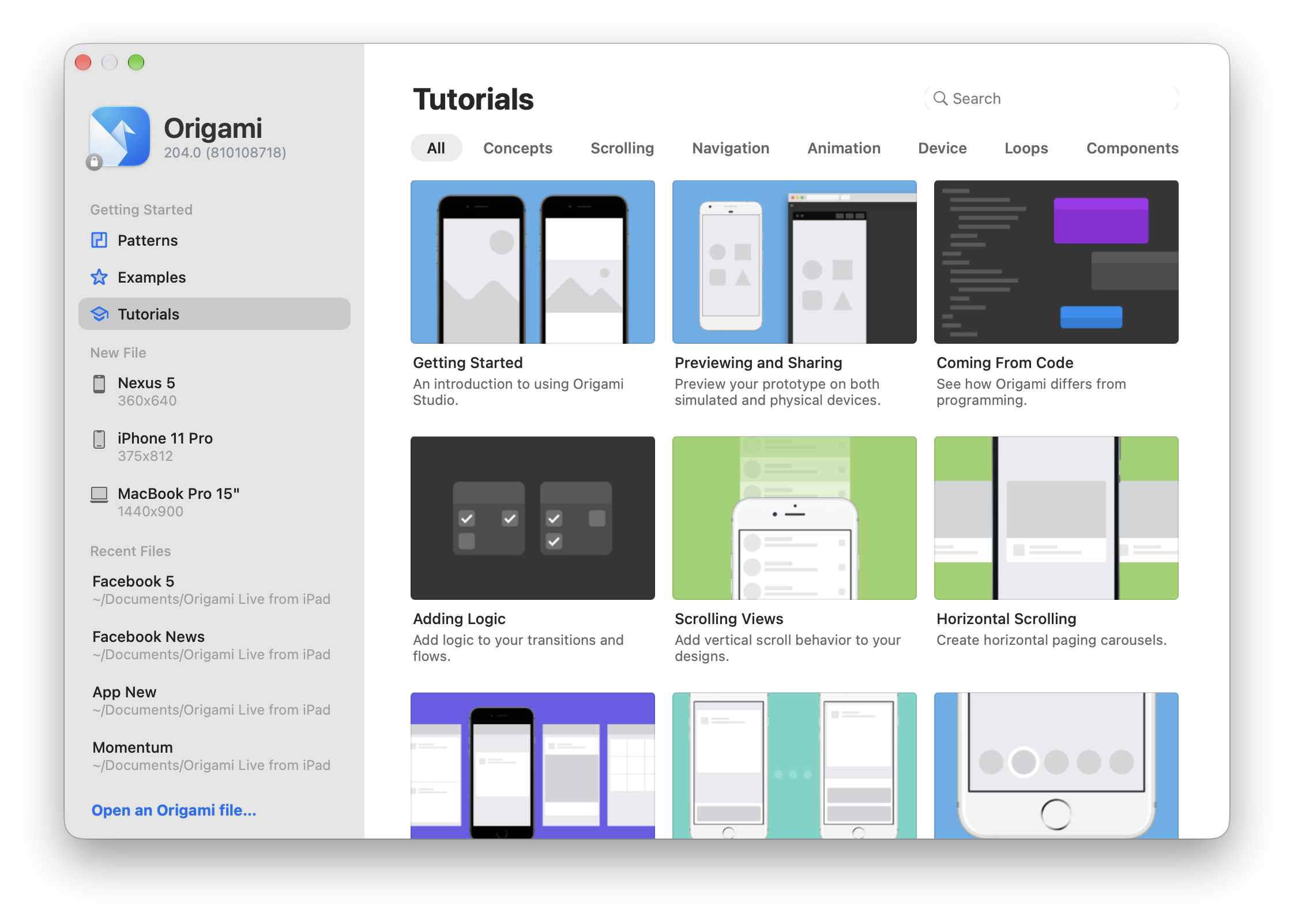
The Welcome Window put learning inside Origami Studio. I curated Examples, Patterns, and Tutorials so designers could learn by exploring working prototypes and build on techniques that had already worked.
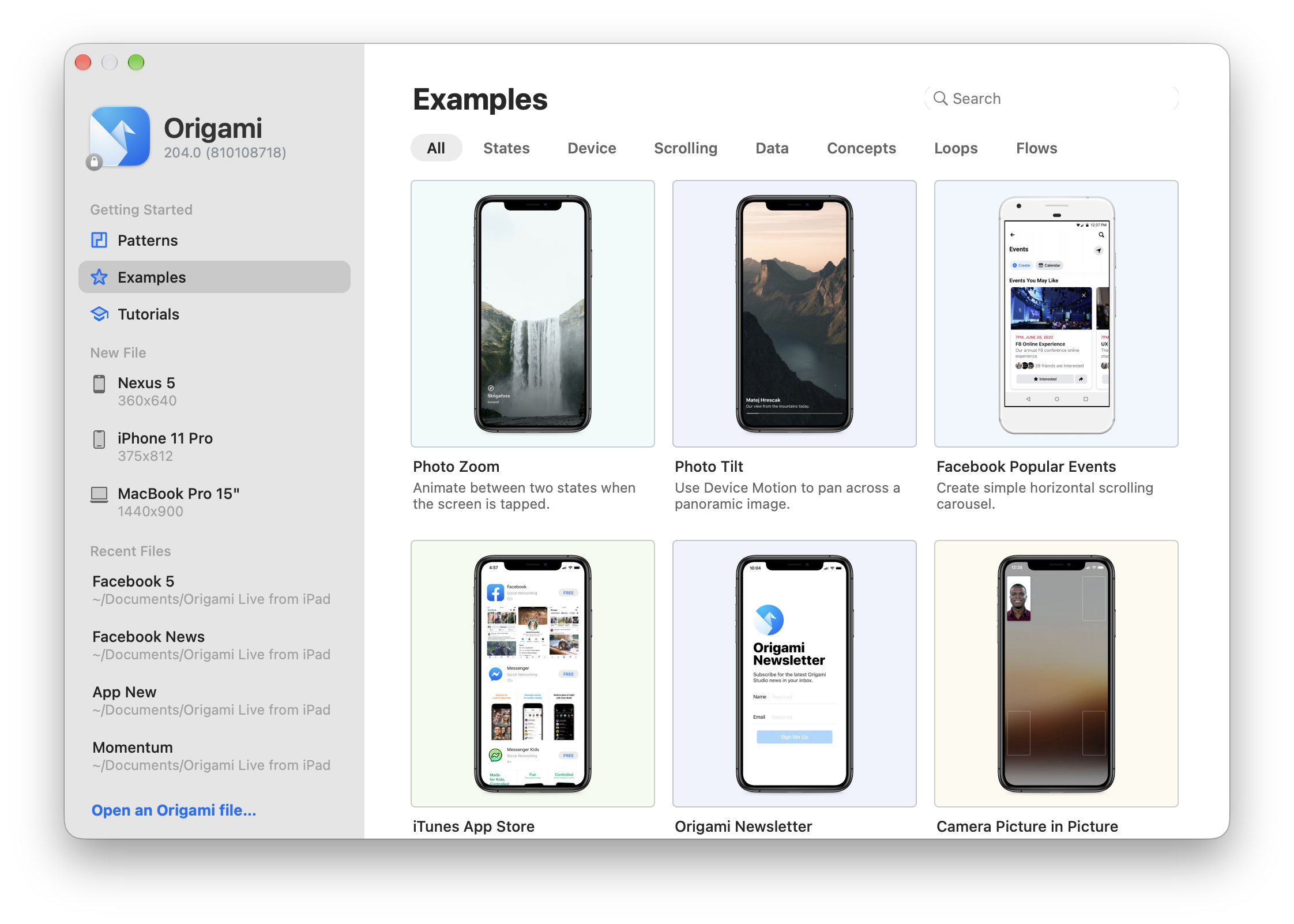
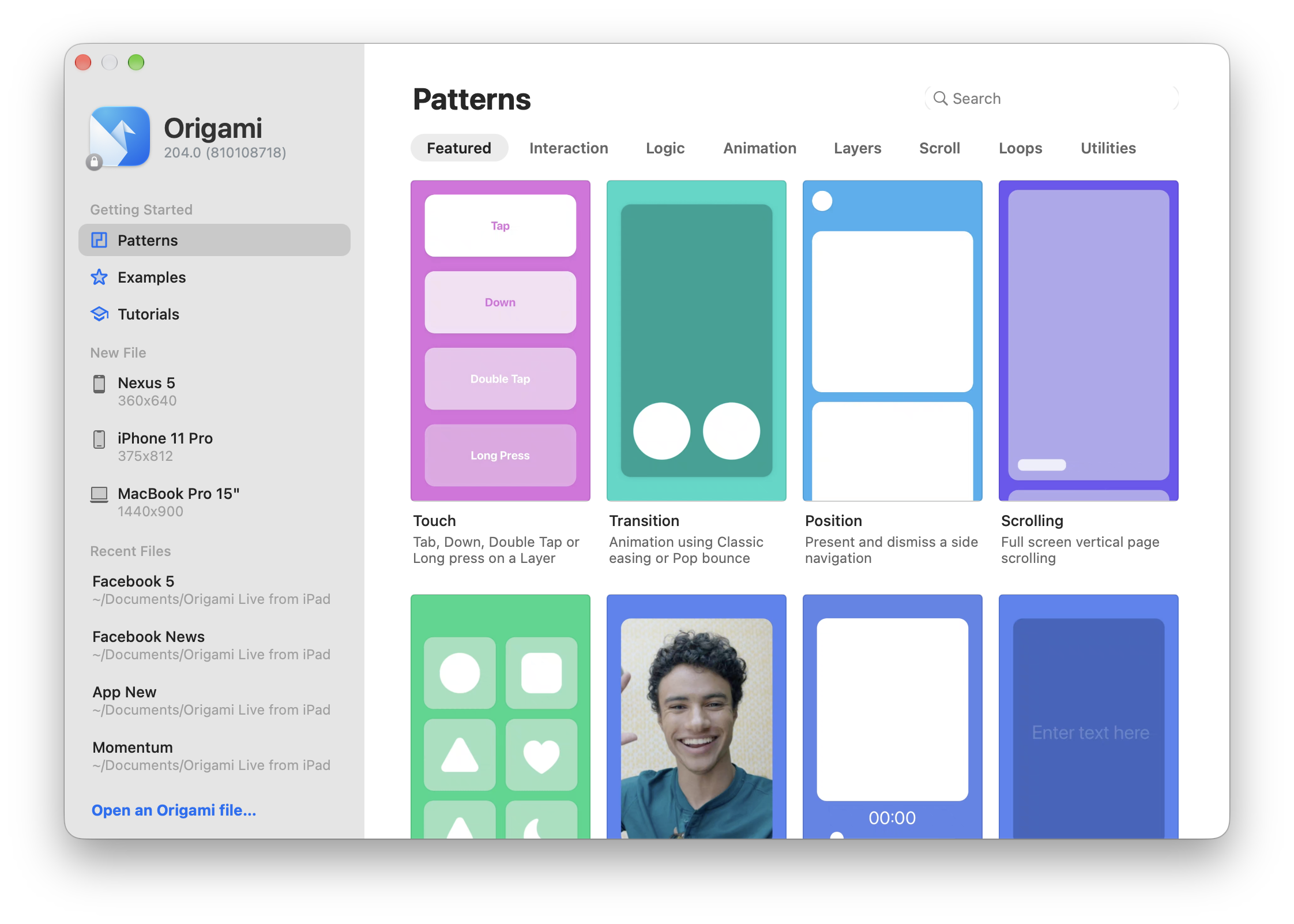
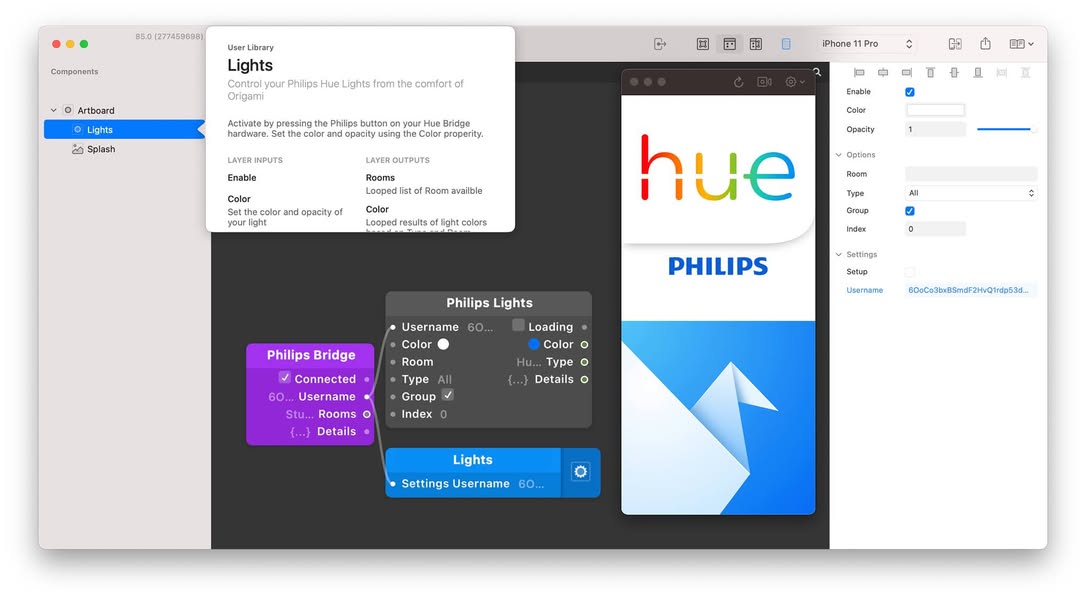
A library of native iOS components I maintained for Origami, so a prototype could reach for an Action Sheet, an Alert or a keyboard the same way it reaches for any other patch. Type "iOS" in the picker and the whole set is there, each one documented with its layer inputs and outputs.
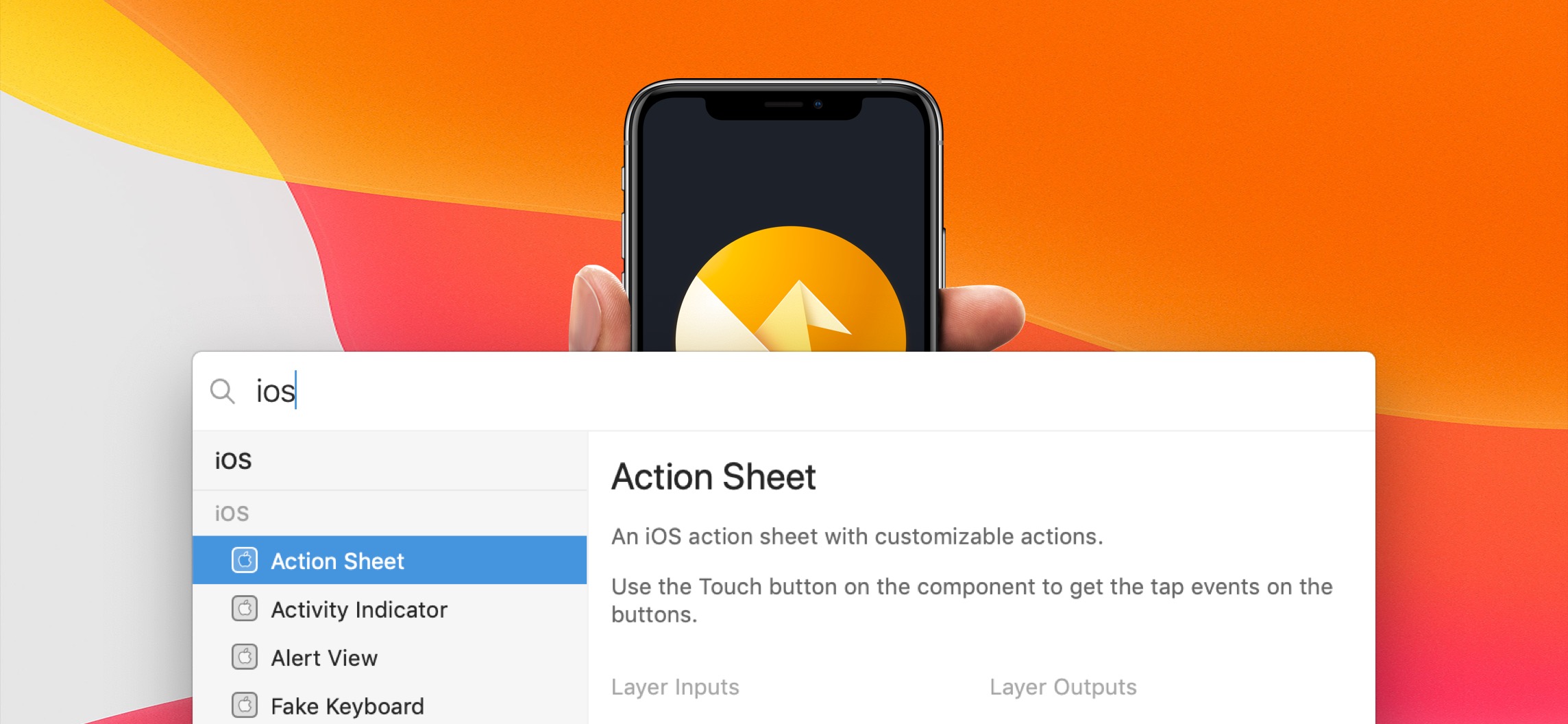
The iOS collection in Origami's picker, with each component's documentation alongside.
Downloadable prototypes that teach a technique in one sitting, from live API data to device motion. Each one ships on the Origami site with its own page and file.
Examples and video © Meta, from origami.design/examples, shown here to document my work on the team.
Origami's community is where the tool really compounds. Designers post the components and techniques they invent, others take them apart, and the best ideas end up as patches in the app. A sample from the Origami Community group.