WorkRésuméContact
All work
Leap Motion · Music · Mac

Swoosh

Reach into Swoosh and control your music in a whole new way. The Leap Motion Controller tracks both hands and all ten fingers, so you can play, perform and jam without touching anything.
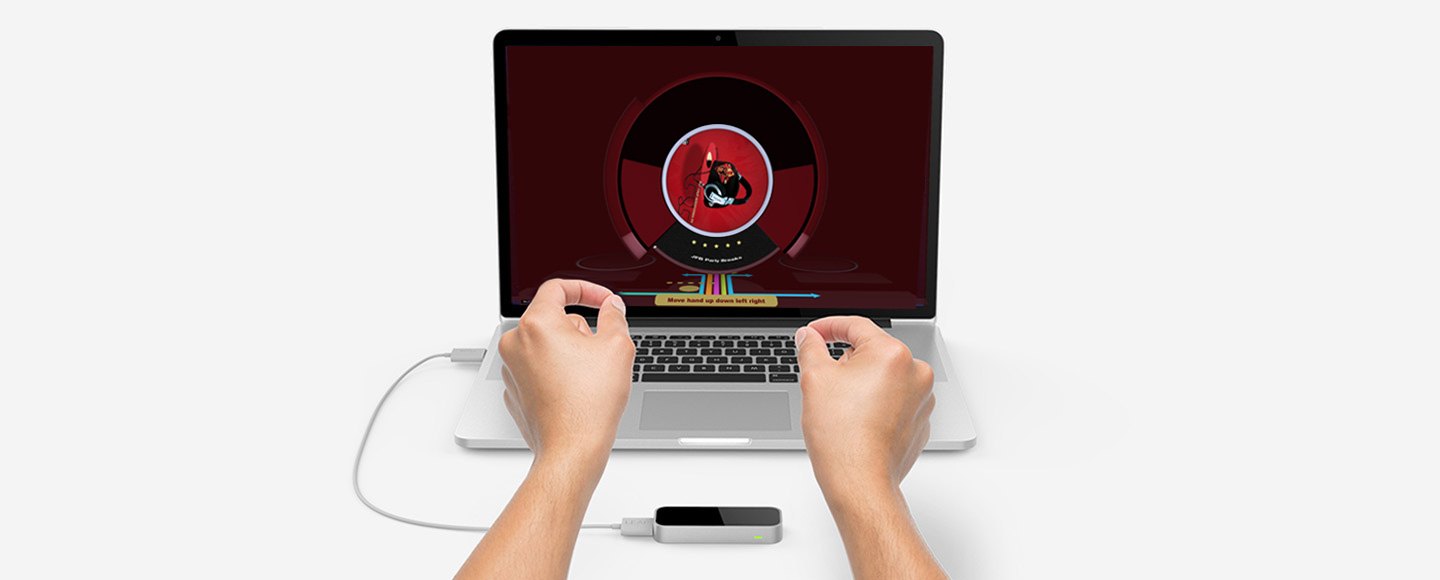
Two hands hovering over a Leap Motion Controller in front of a MacBook running Swoosh
RoleDesign & Build
PlatformMac · Leap Motion
InputHands · Ten fingers
Shipped onAirspace Store

Overview

Swoosh turns a track into a record you can play in the air. Each song becomes a spinning disc, and every gesture above the controller maps to an effect: move a hand to pan, spread your fingers to shift pitch, tap to cue, rotate to scratch.

The interface tells you what each hand is doing as you do it, so the gestures are learned by playing rather than reading instructions.

Available for Leap Motion

A gesture for every effect

Panning, pitch shift, reverb and scratching each have their own colour and on-screen label, so you always know which effect your hands are driving.
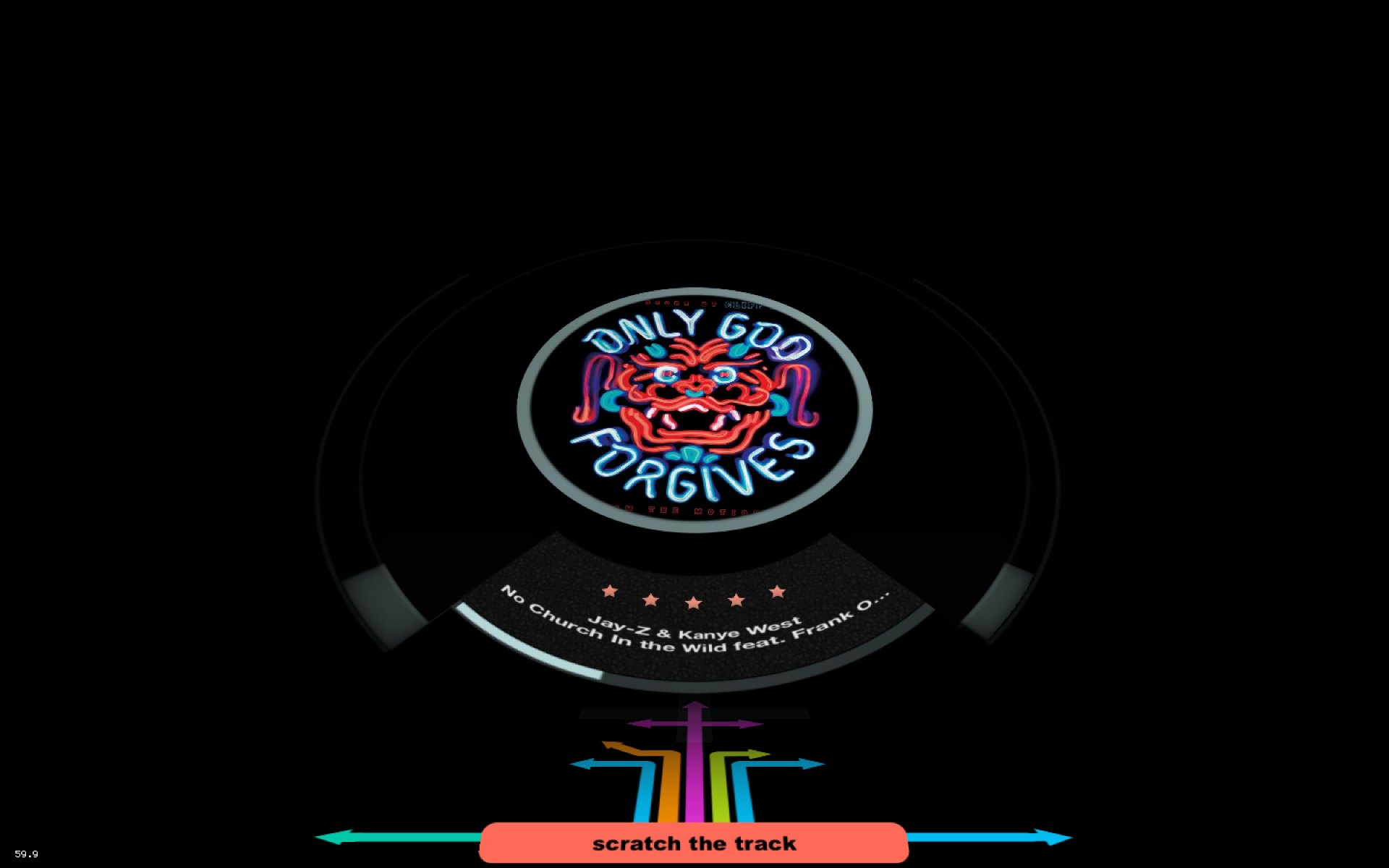
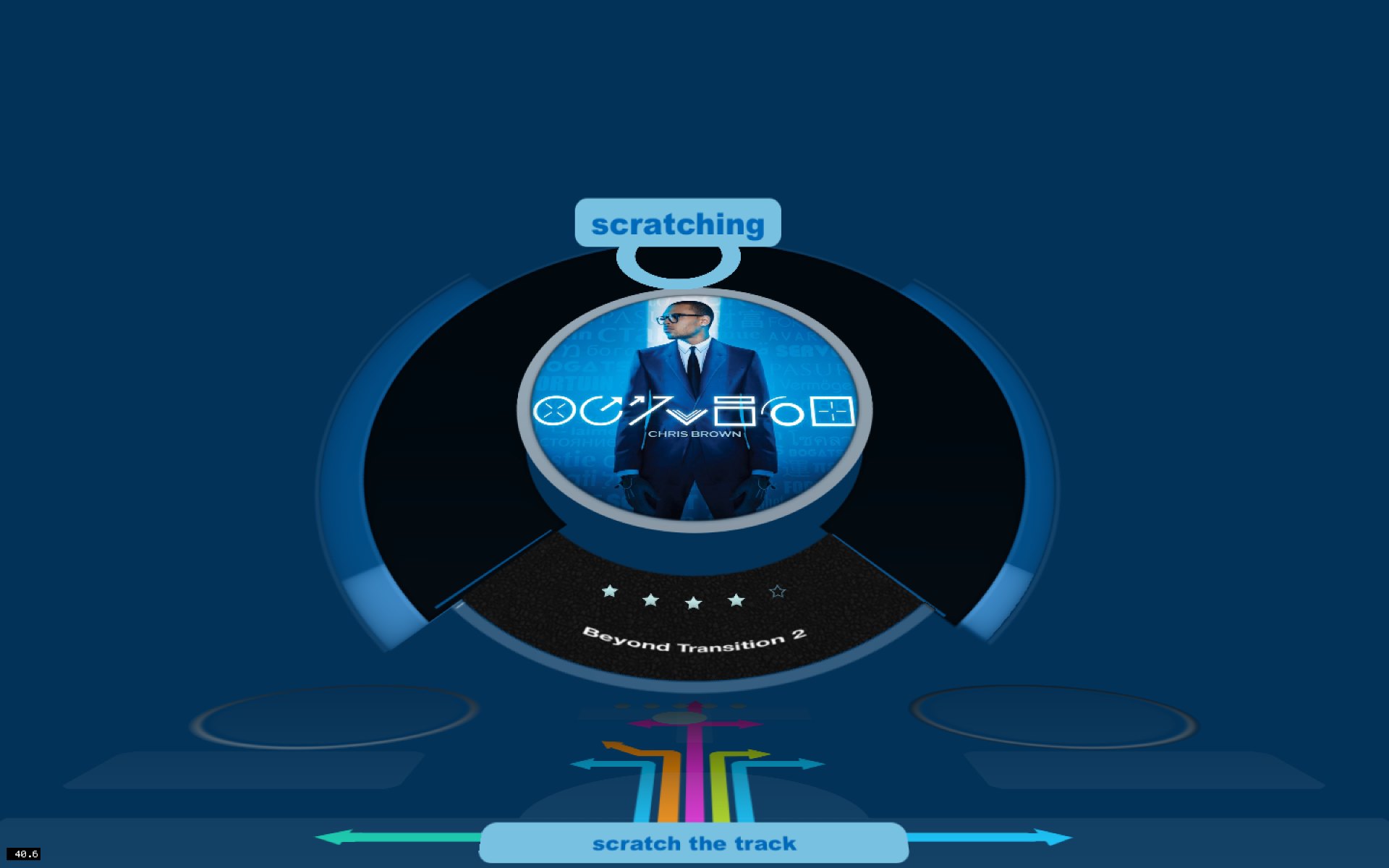
Swoosh playing a track as a spinning disc, with a scratch the track prompt below
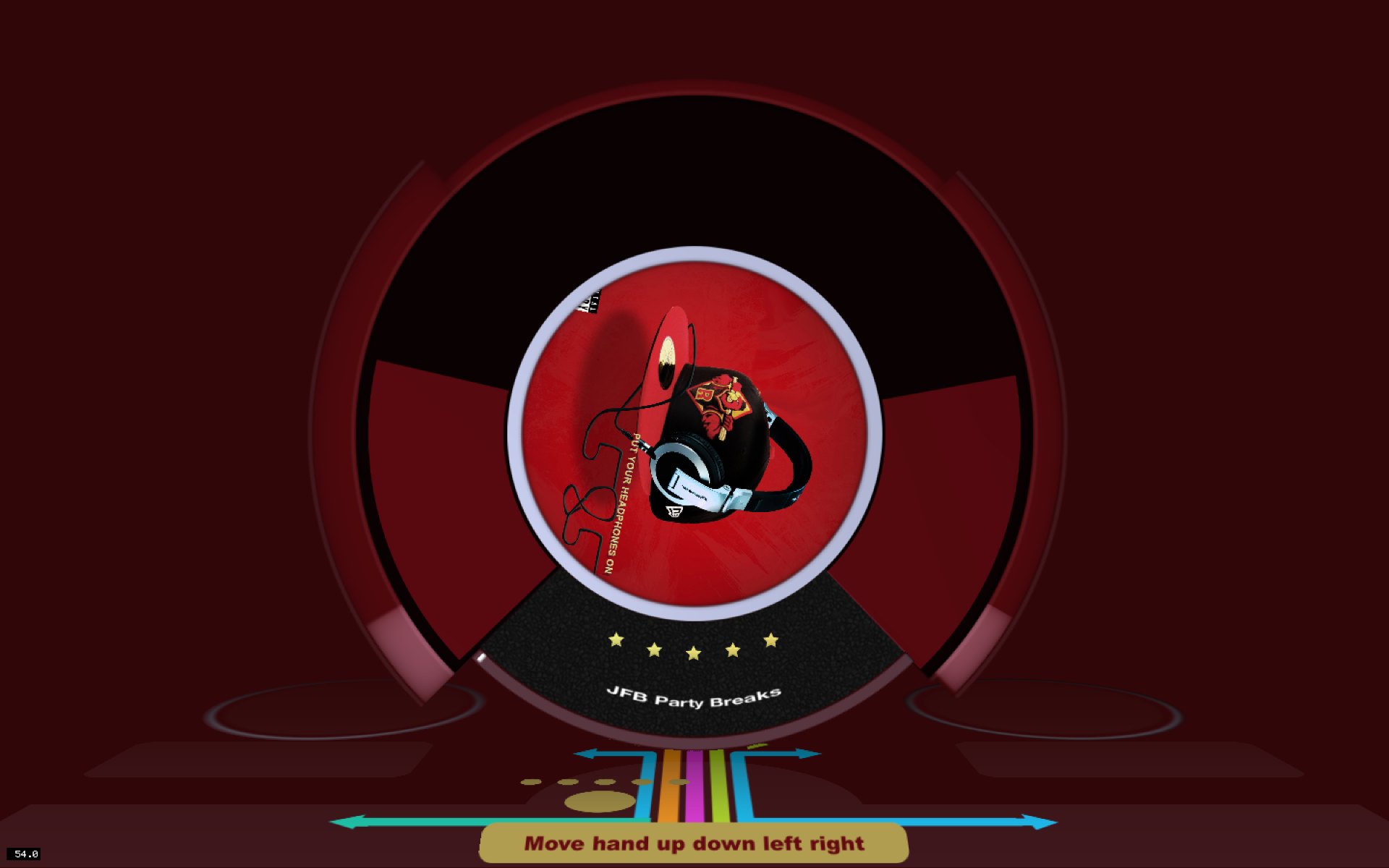
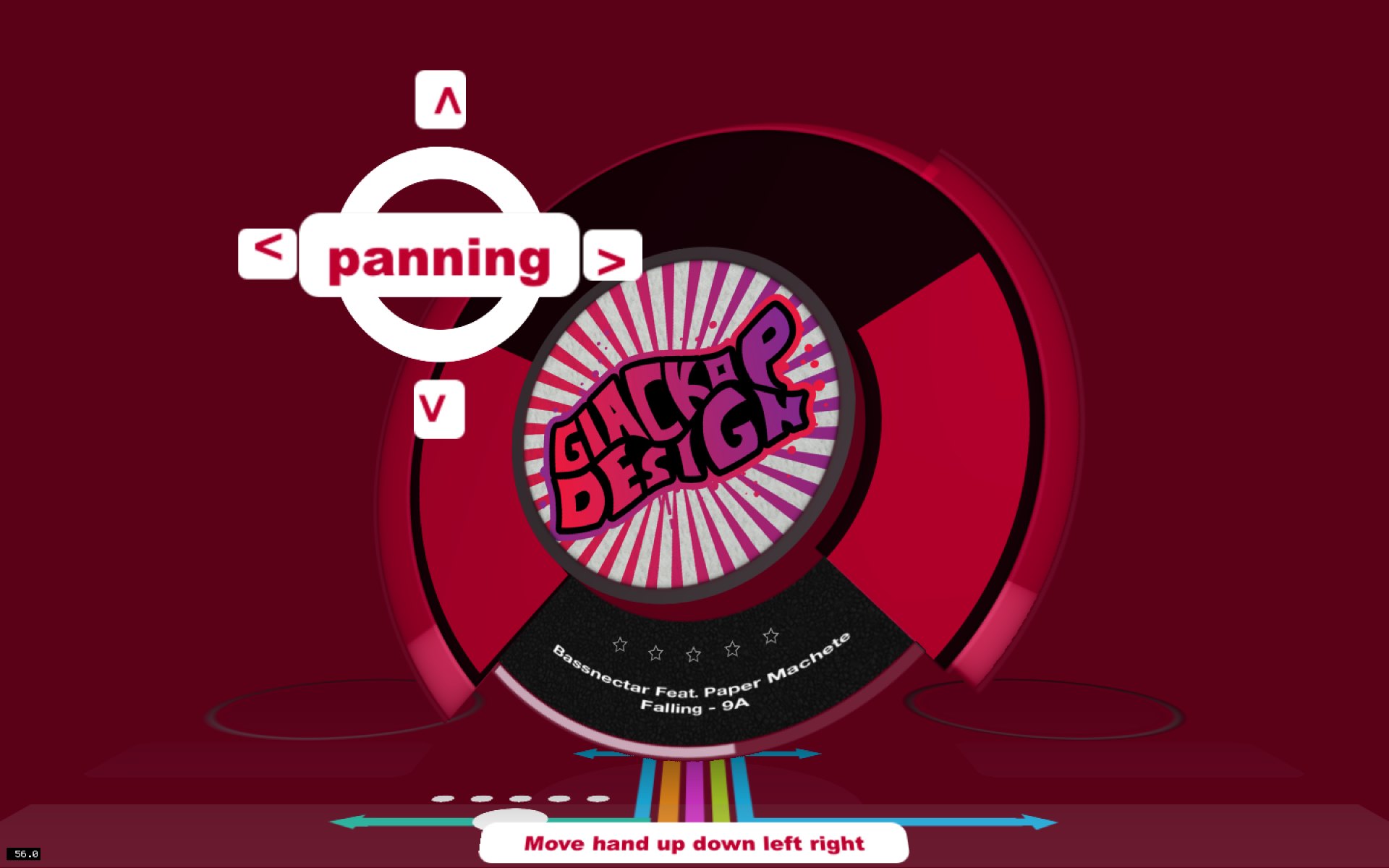
Panning: a red disc with a panning label and arrows for left and right
Move hand up, down, left and right to control the track
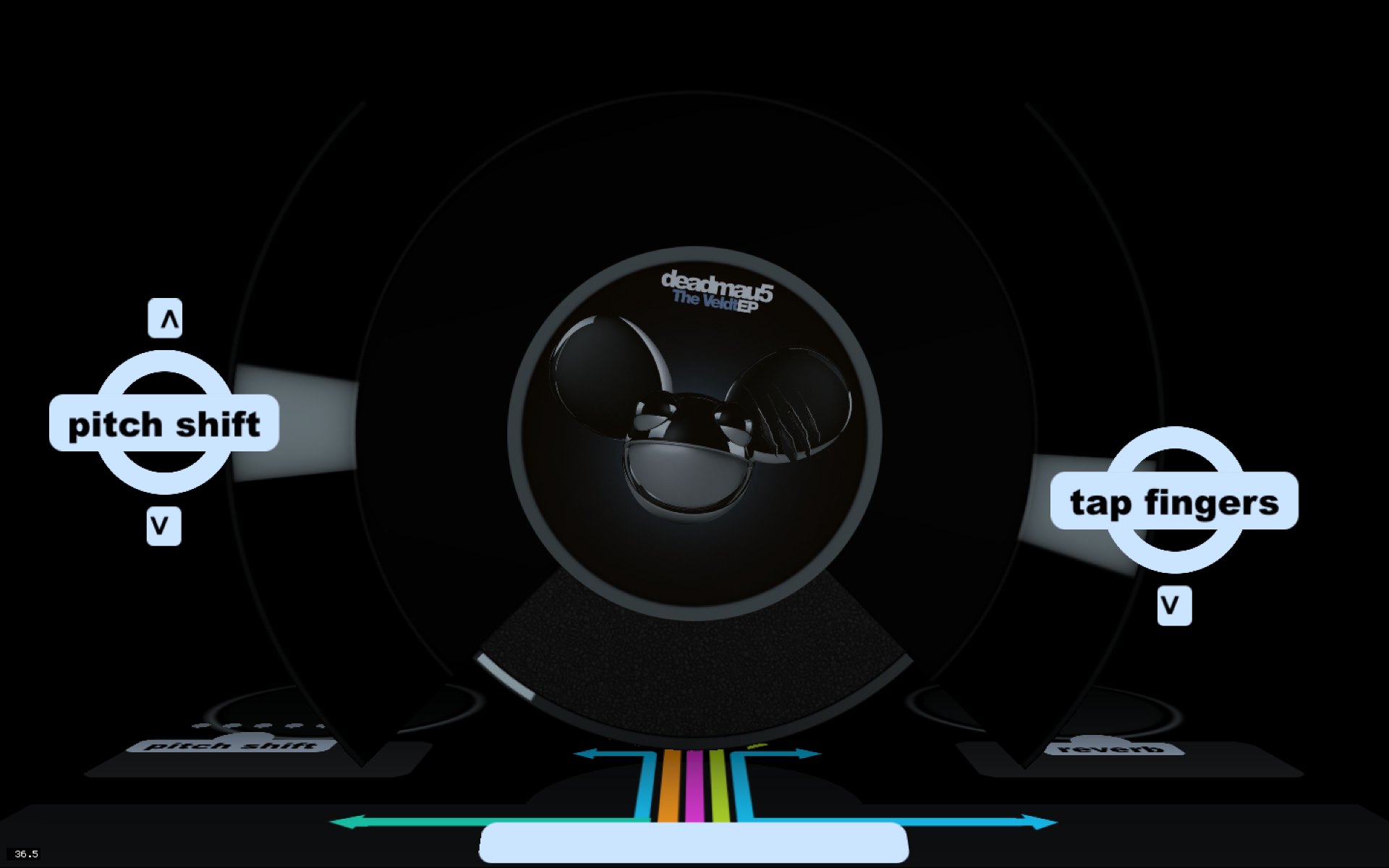
Pitch shift on one hand and tap fingers on the other
Scratching: a blue disc with the scratching label above it
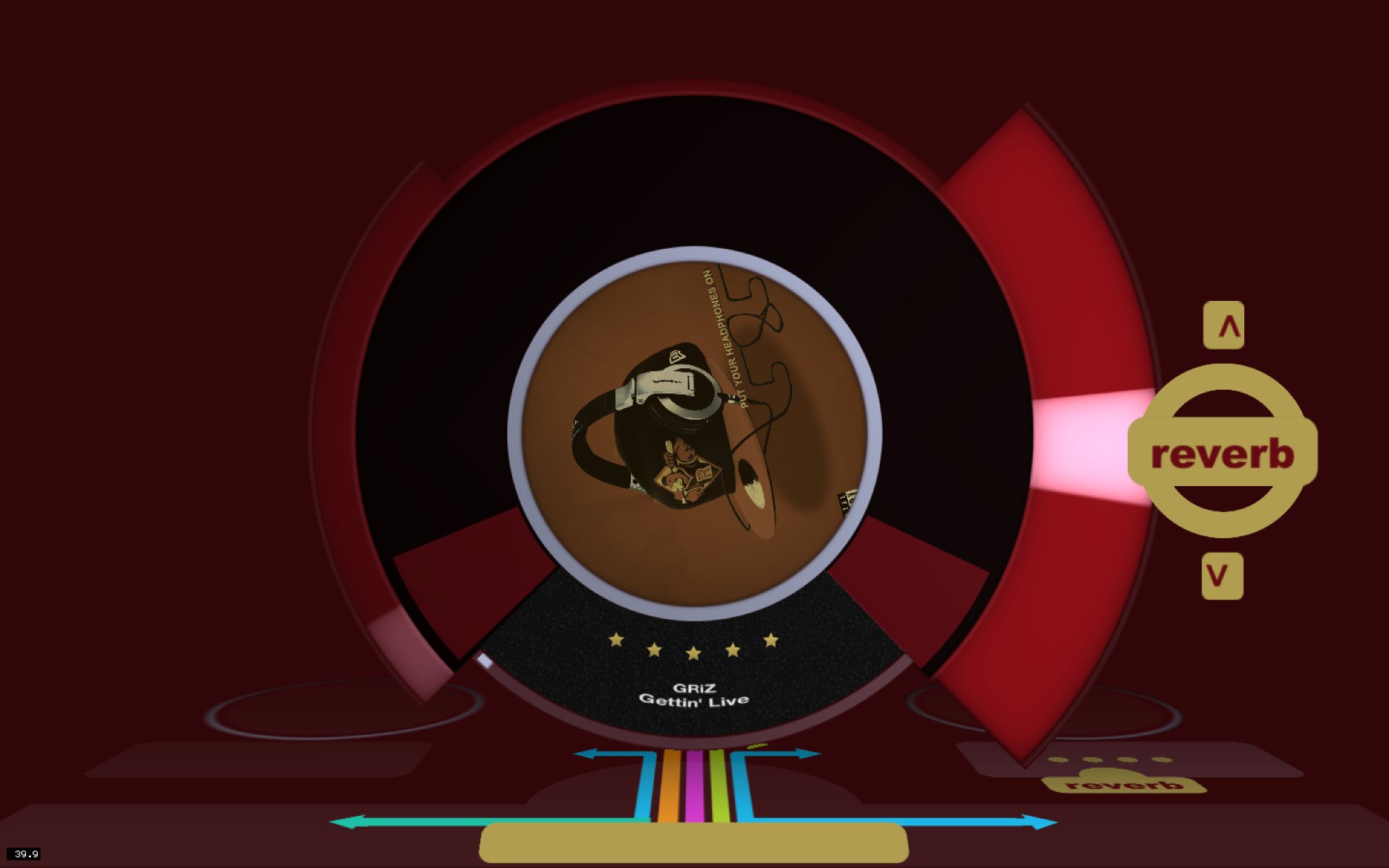
Reverb: a red disc with a reverb beam sweeping out to the right

Swoosh 1: the effects, each mapped to a hand movement.

Swoosh 2

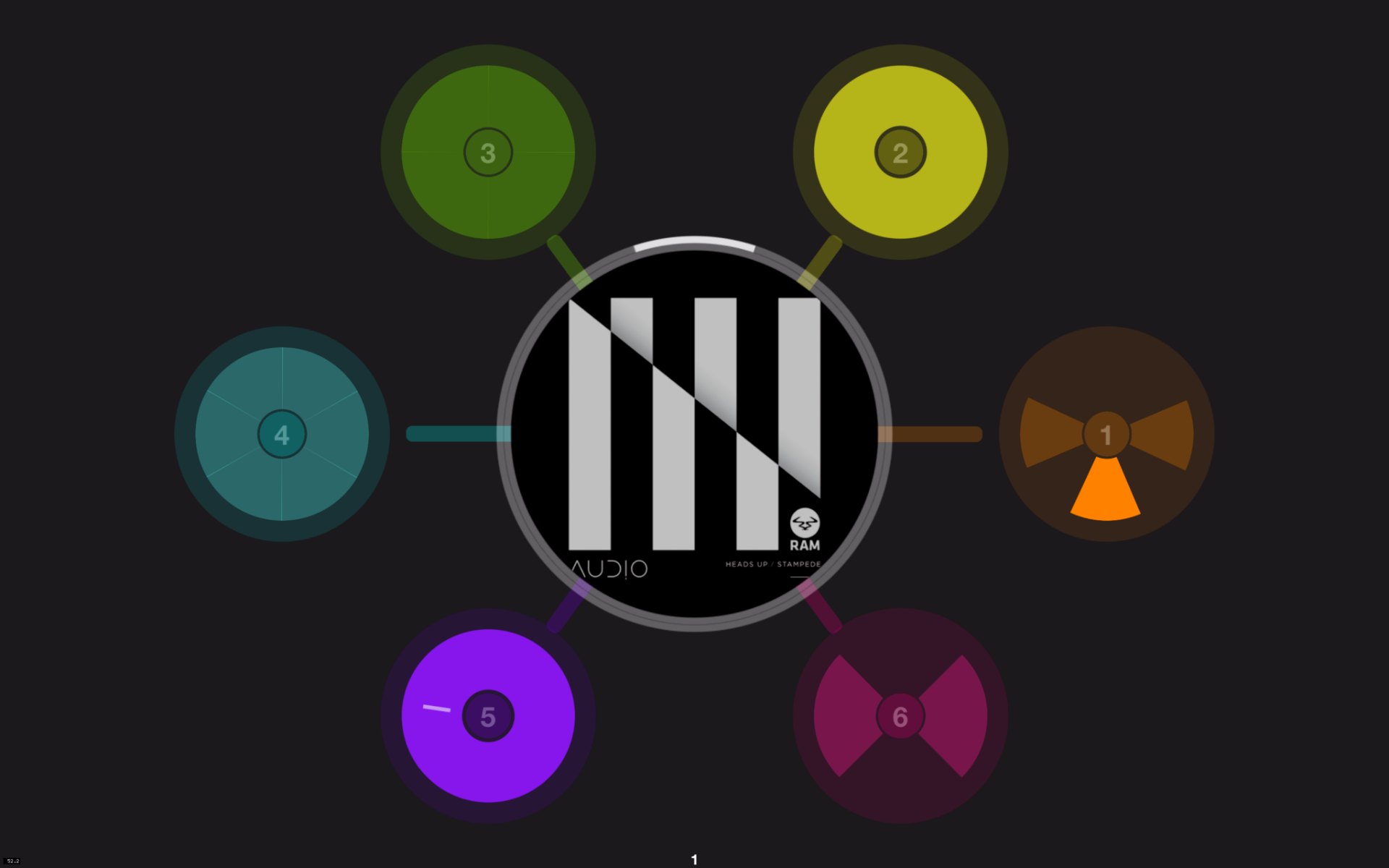
The second version pulled in your whole iTunes library, gave each track its own deck styled from its artwork, and added a radial menu to move between modes without lowering your hands.
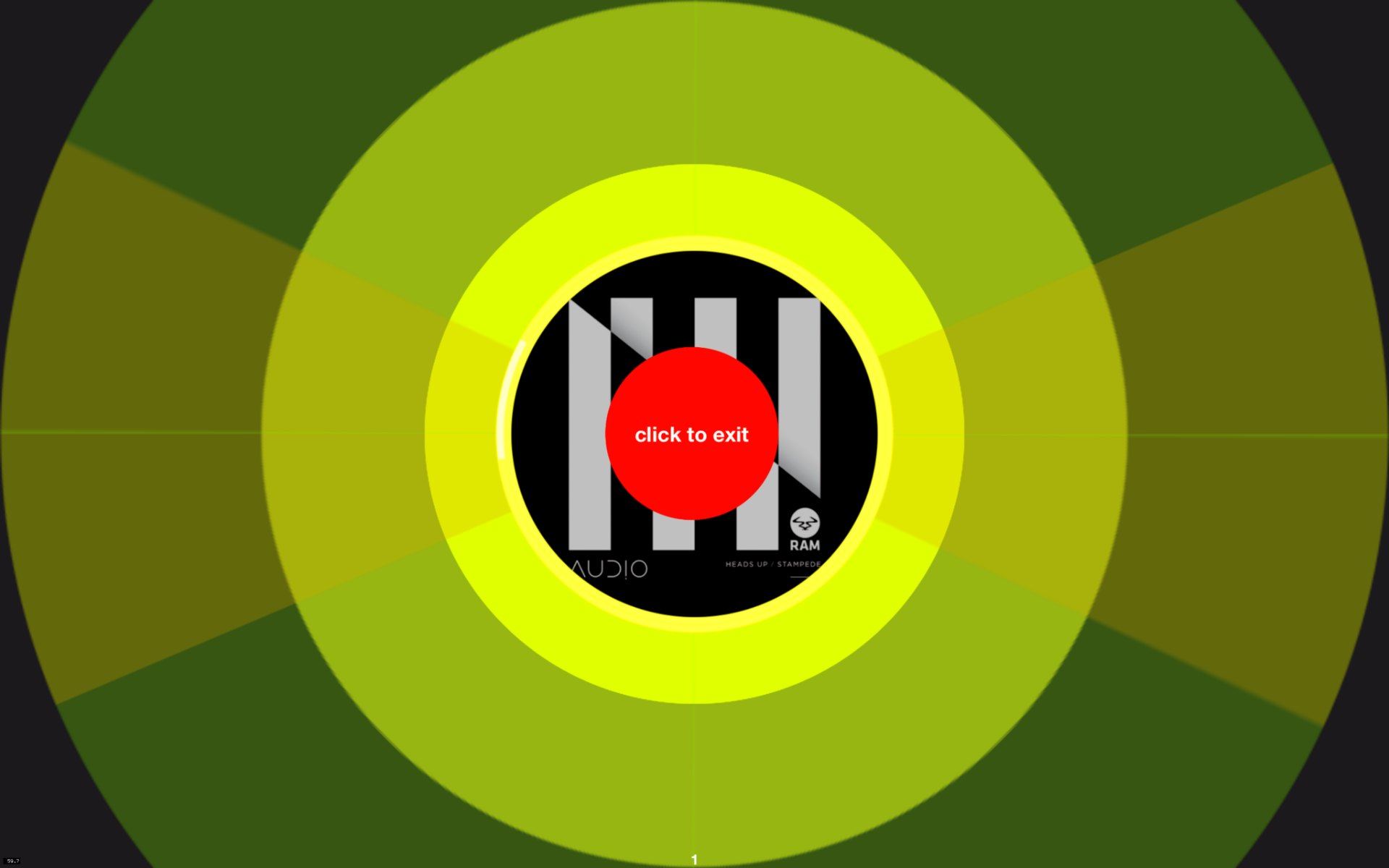
Swoosh 2 start screen: a striped disc on a yellow-green radial background
Radial menu of coloured mode buttons around a striped centre disc
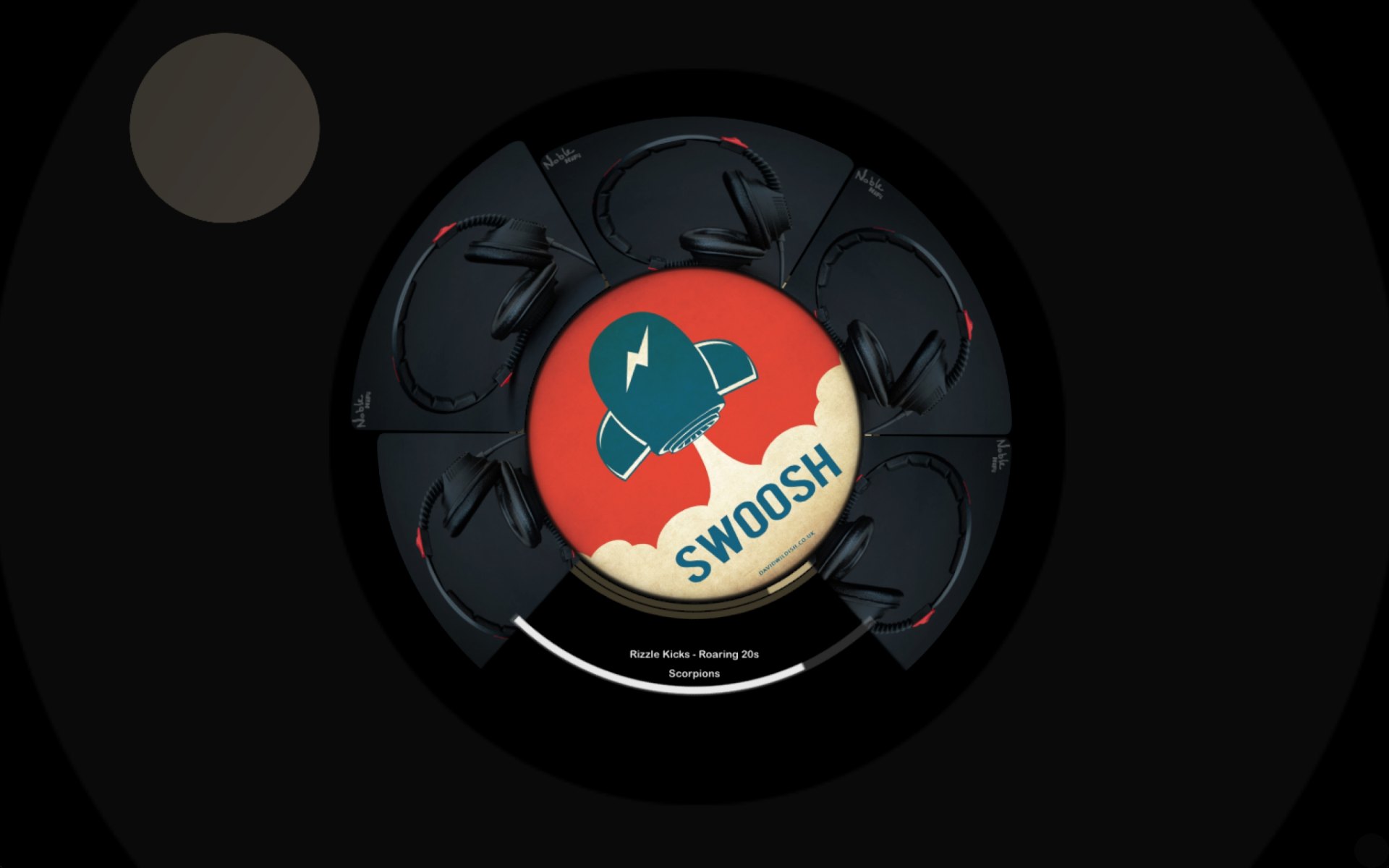
A red Swoosh-branded deck in a dark ring
The Swoosh deck with its dial segments around it
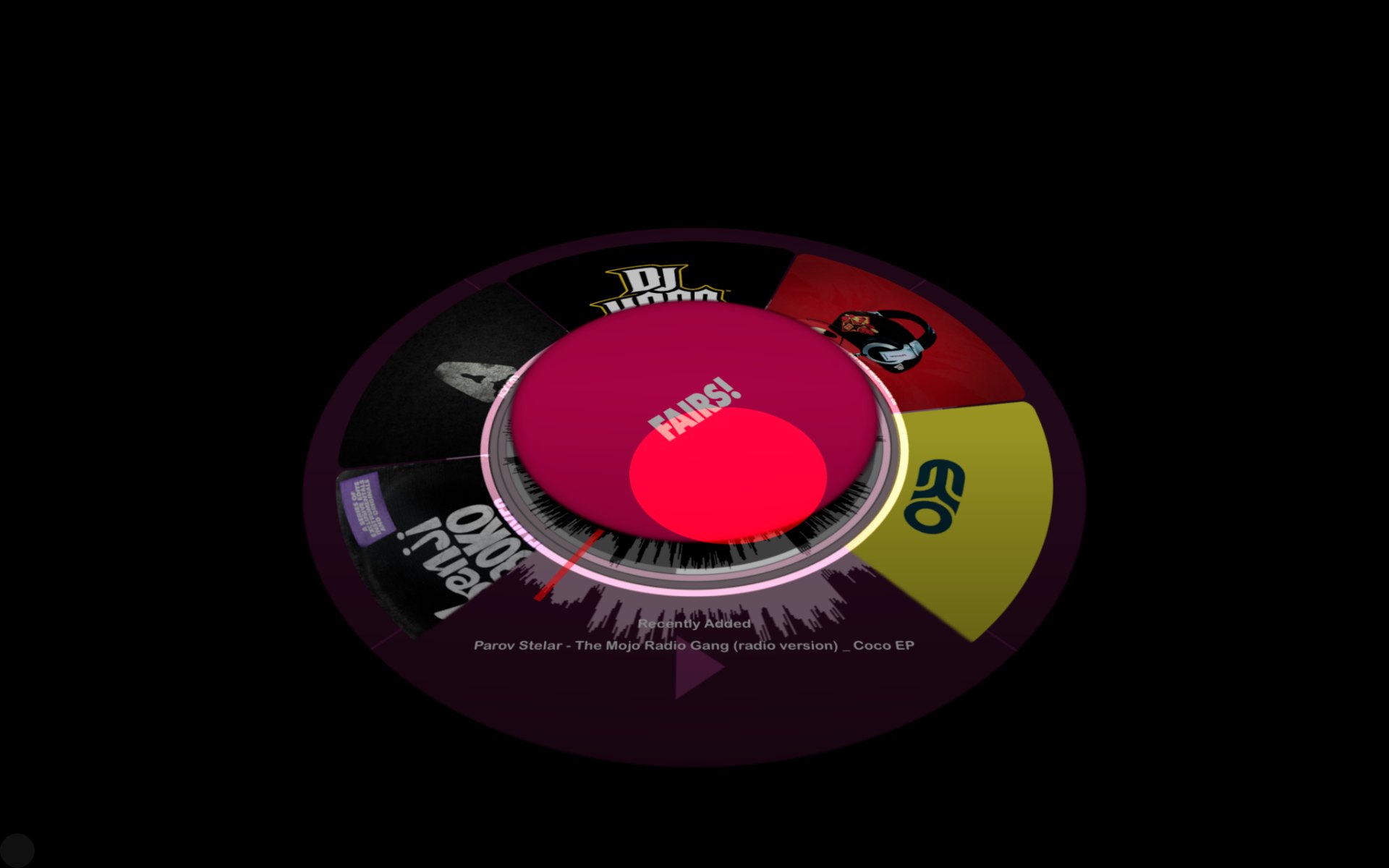
A pink deck with album segments fanned around it
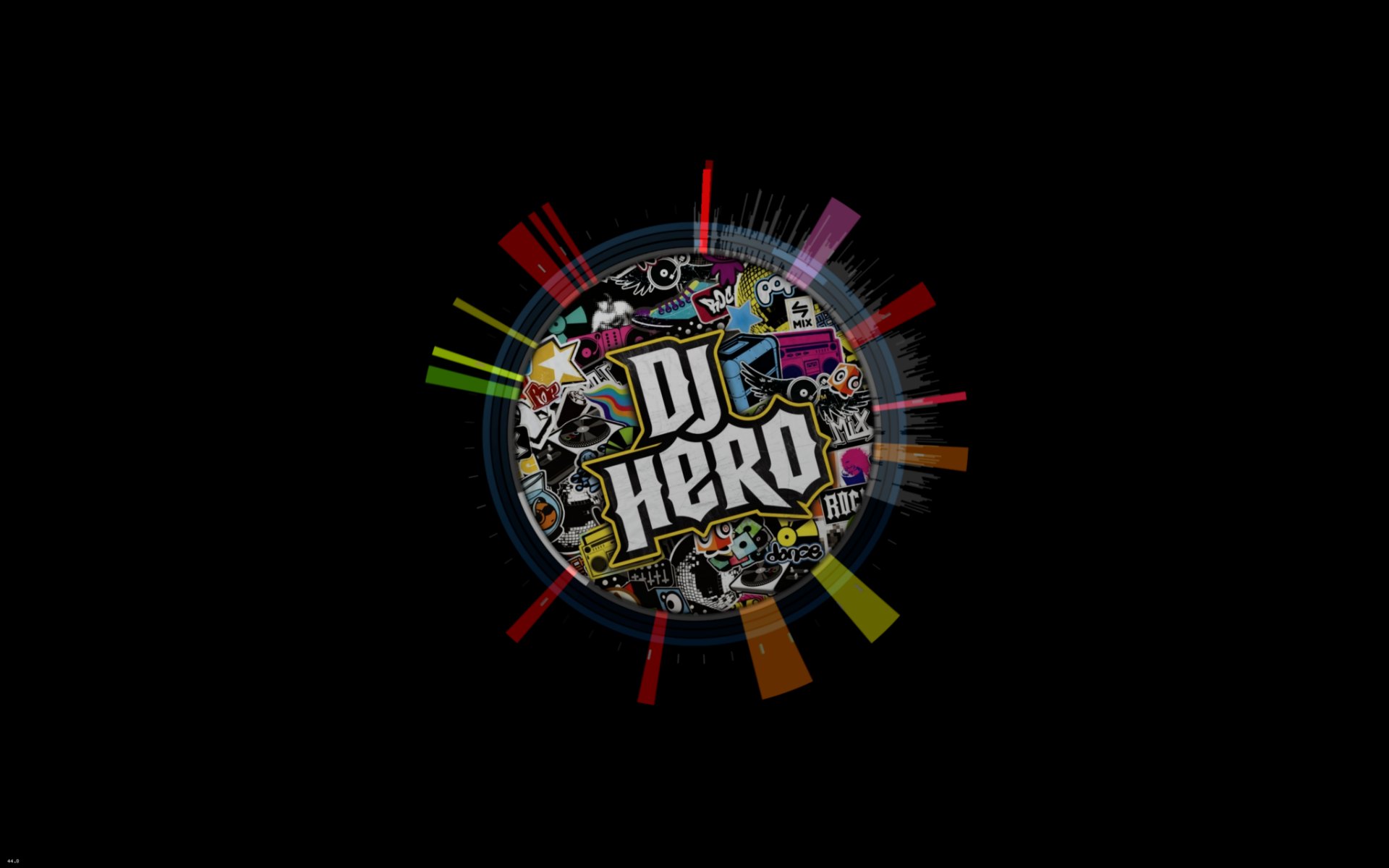
A DJ Hero disc with coloured bursts around it
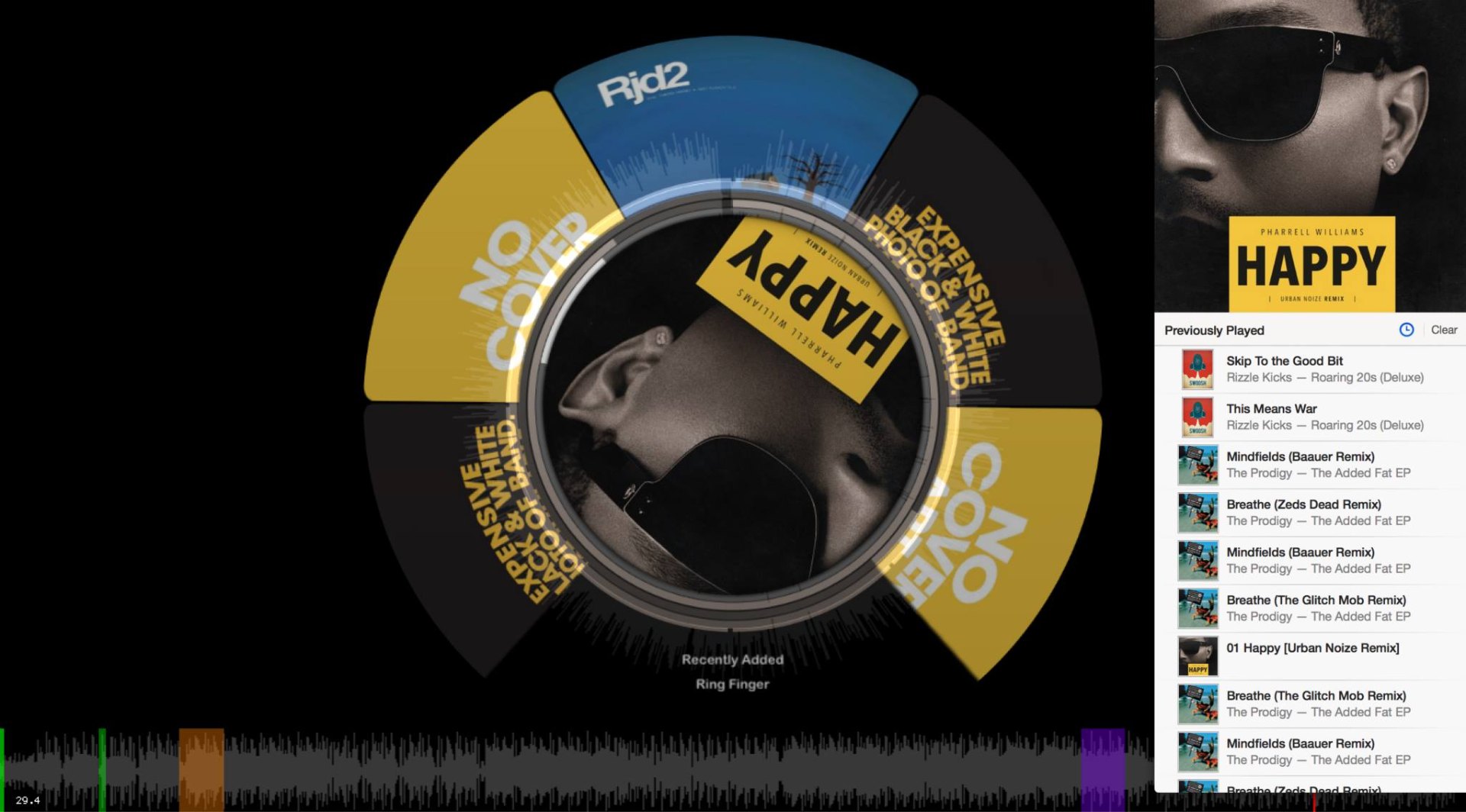
A gold deck for Happy, with the track list on the right

Decks, menus and the library view from Swoosh 2.
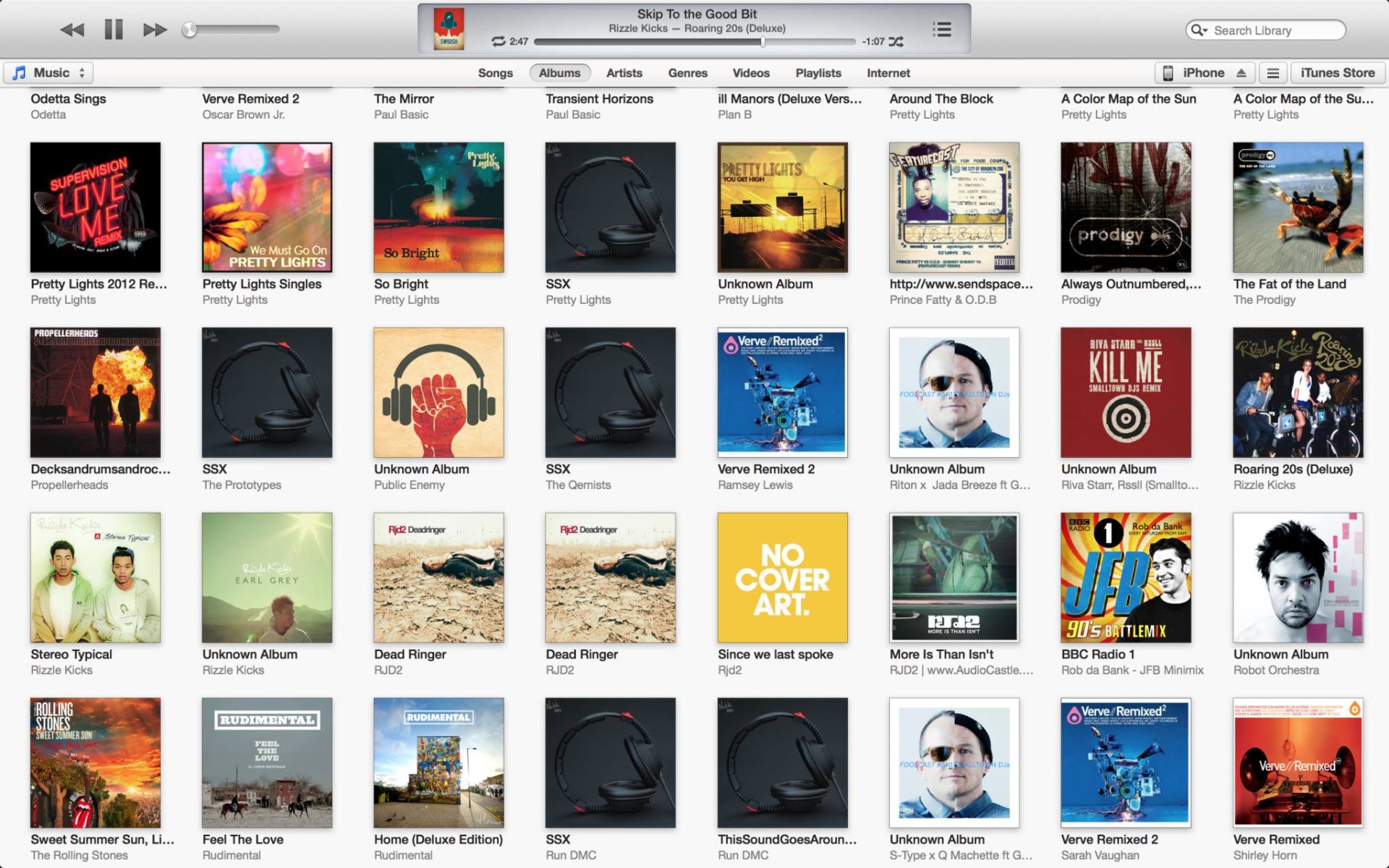
An iTunes library grid of album covers
Your iTunes library, playable in Swoosh.
Swoosh 2 projected on a window overlooking the sea, a laptop and headphones on the desk
Swoosh 2 in use.

Beyond the Mac

Swoosh 2 could send MIDI and OSC, so the same gestures could drive other music software as well as the app itself.
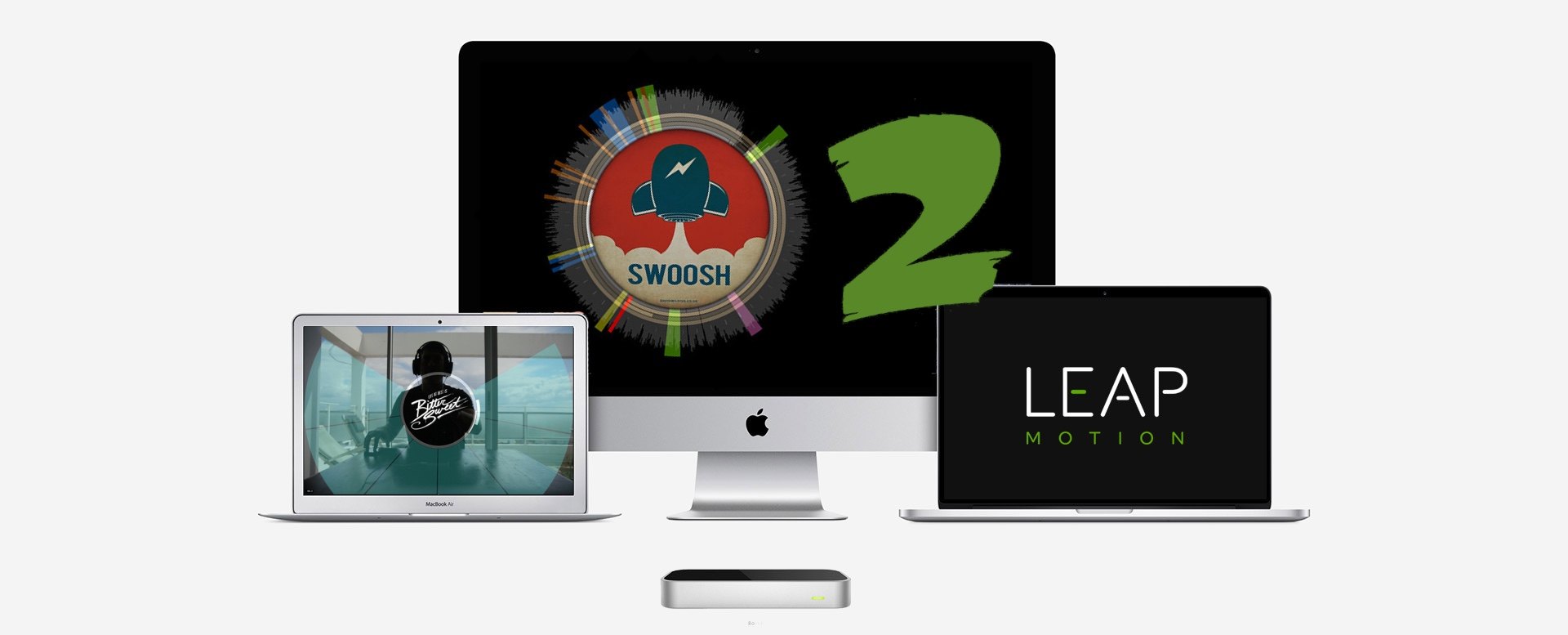
Swoosh 2 on an iMac, MacBook and Leap Motion box
Swoosh 2 across Mac hardware.
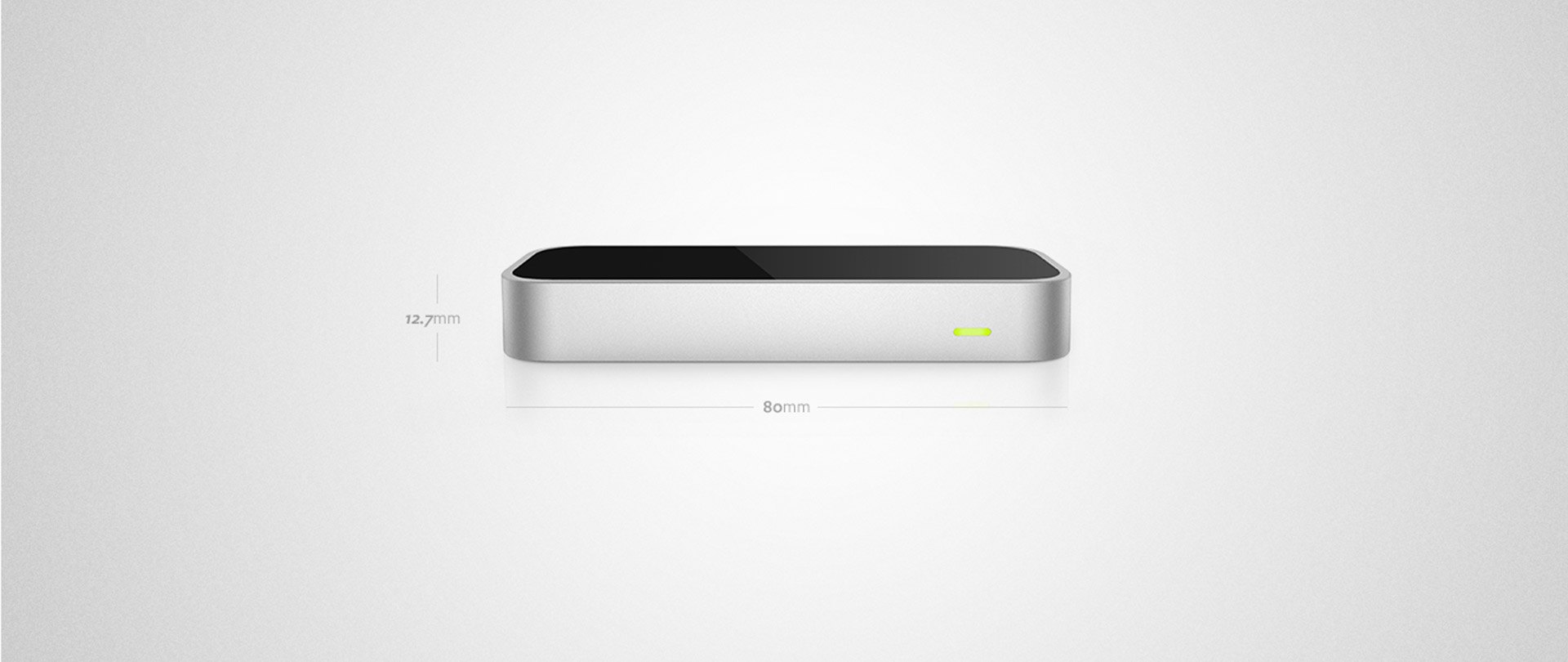
The Leap Motion Controller
The Leap Motion Controller.

In motion

Swoosh 2 DJ interface

Video currently unavailable · Project image shown

Want the full story?

I'll walk you through it.